Asset OpsBeginnerNo model needed
Create Asset
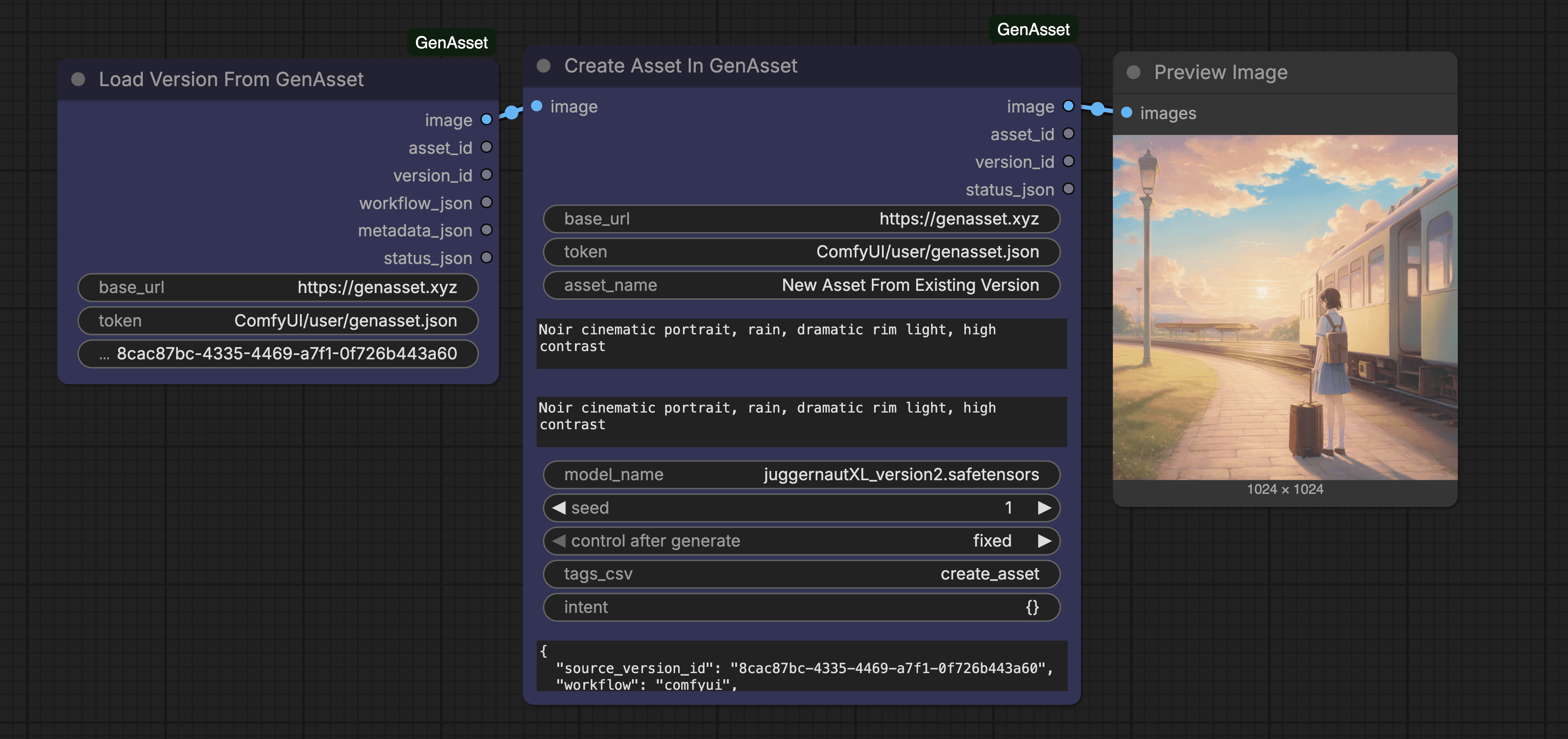
Creates a new GenAsset asset from an input image and stores the first version with workflow metadata.
About
Create a new asset in GenAsset from an input image.
What it does
Initializes a new asset record and first version.
How to use
- In GenAsset, open Settings -> Tokens and create a workspace token.
- In your ComfyUI folder, create `user/genasset.json` with:
- In this workflow, keep `base_url` as `https://genasset.xyz` and `token` as `ComfyUI/user/genasset.json`.
- Fill any `PASTE_*` fields, then Queue Prompt.
Token setup
Create ComfyUI/user/genasset.json with your workspace token, then keep node token inputs as ComfyUI/user/genasset.json.
{
  "base_url": "https://genasset.xyz",
  "workspace_token": "PASTE_TOKEN"
}