ComfyUI GenAsset nodes
Use Save To GenAsset, Load Asset From GenAsset, Manager Health, Workflow Doctor, Model Resolver, and Repro Lock inside ComfyUI workflows.
Save node
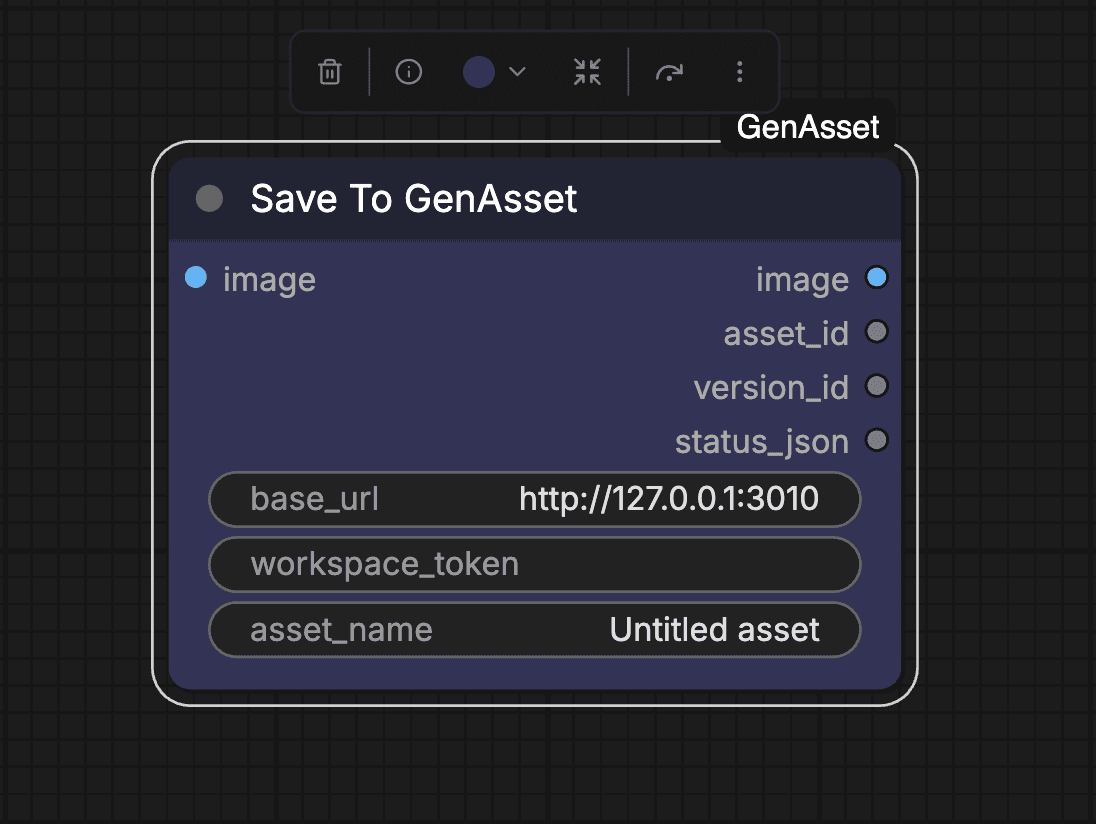
- Connect the generated image into the blue image input.
- Set base_url to your GenAsset app URL.
- Set token to `ComfyUI/user/genasset.json` (recommended) or paste a token directly.
- Use a stable asset_name when you want clean version history.
Load node
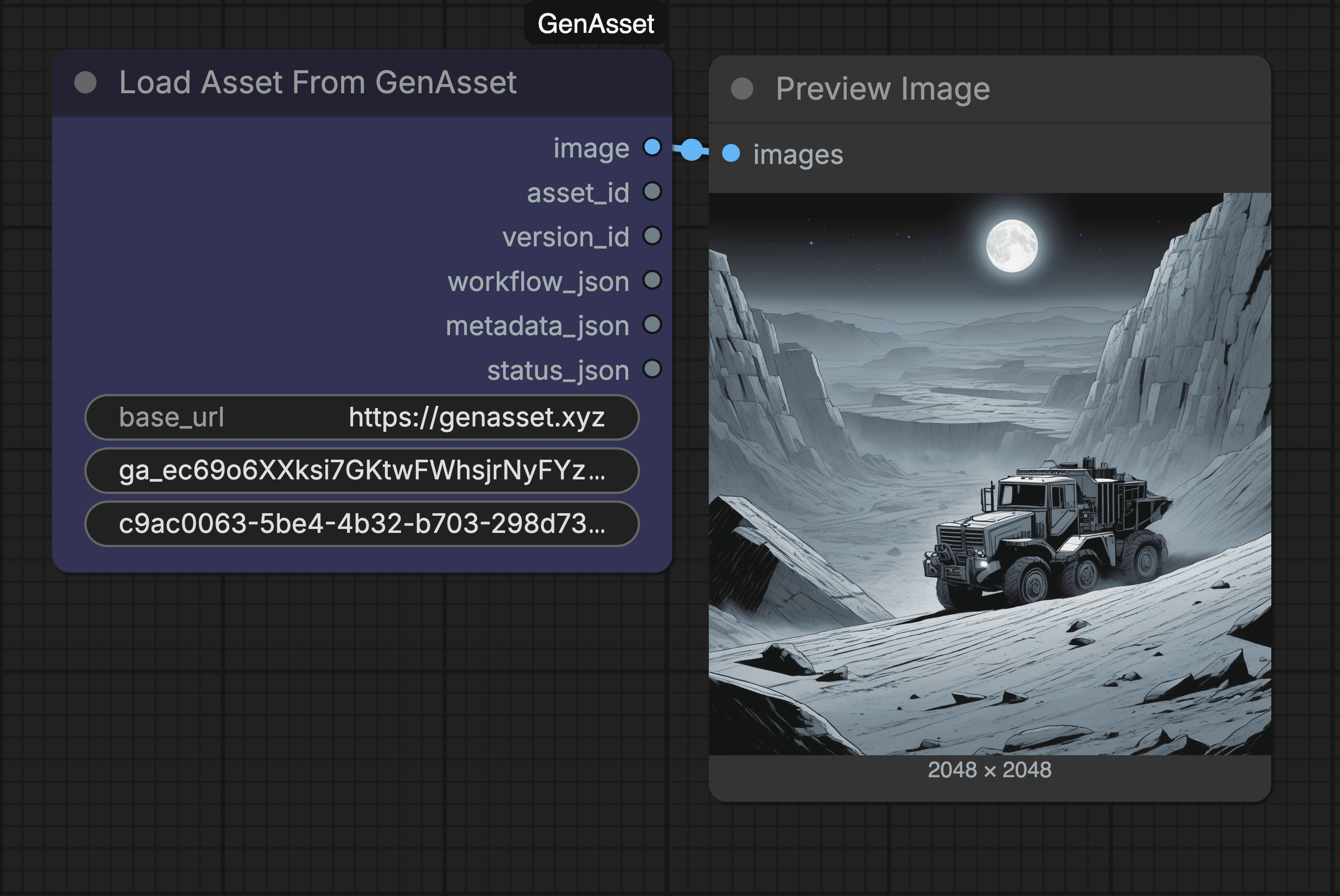
- Use the same base_url and token as your save node.
- Set version_id when you want one exact version.
- Leave version_id empty and set asset_id to load latest/current for that asset.
- Leave both empty to load the latest updated asset in your workspace.
- Connect image to VAE Encode for img2img workflows.
- Use workflow_json, metadata_json, and status_json when you need recipe/debug data.
base_url: usehttps://genasset.xyz(or your local GenAsset URL if self-hosting).token: recommended value isComfyUI/user/genasset.json(file-based). You can also paste a token directly.asset_id: copy from the asset page in GenAsset (asset id), or fromSave To GenAssetoutputasset_id.version_id: optional exact-version override. Copy from version history (version id), or fromSave To GenAssetoutputversion_id.
status_json for the exact error and verify that base_url, token, and ids are from the same GenAsset workspace/environment.Health tab
Open GenAsset in the ComfyUI top bar, then choose Health. The Health tab inspects the currently loaded workflow before you queue it.
Uses GenAsset AI to explain missing nodes, broken links, missing models, and risky workflow patterns in plain language.
Finds required checkpoints, UNets/GGUFs, LoRAs, VAEs, ControlNets, CLIP files, embeddings, and expected folders.
Repro Lock
Save To GenAsset now attaches metadata.repro_lock automatically to every saved version. Repro Lock records the workflow hash, GenAsset node version, ComfyUI version context, Python/Torch/CUDA/MPS details, custom-node versions, and referenced model metadata when available.