GenAsset ComfyUI tutorial
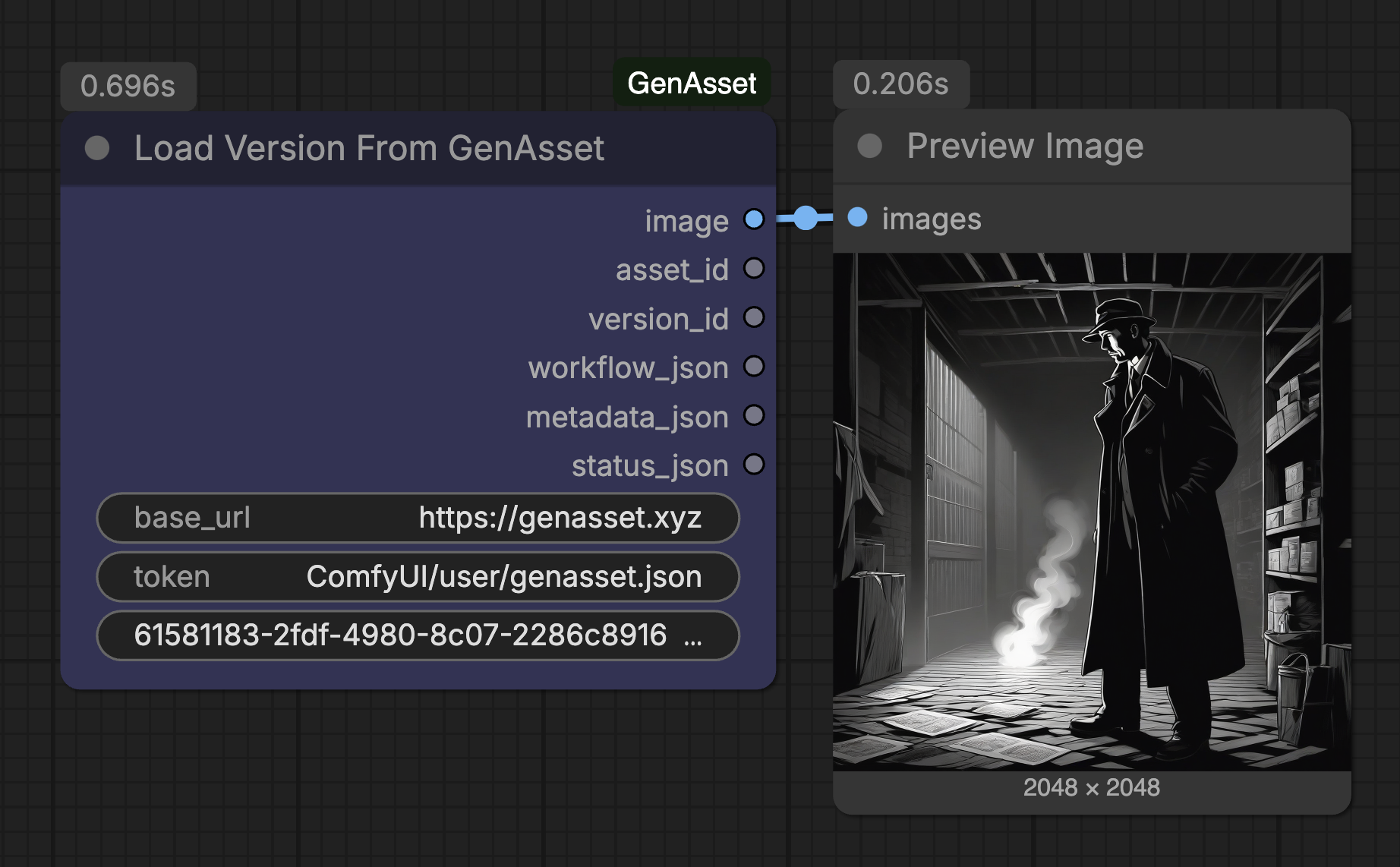
Load exact version
Use a version ID when a review, branch, or rerun must start from one precise saved image.
Goal
SOLOCloud Run validated
Load one exact saved version rather than whatever is current today.
Setup
- Use Load Version From GenAsset or Load Asset From GenAsset with version_id filled.
- Version IDs are visible in GenAsset version history and Save To GenAsset outputs.
- Exact loading is best for reviews, compare workflows, and approved handoffs.
Steps
- Paste version_id d325c84f-6c73-4ede-8749-aa30c52c7157.
- Queue once and confirm the preview matches the expected image.
- Use workflow_json and metadata_json if you need to reconstruct generation settings.
Validated run
- Cloud Run prompt 69bf2900-8ff9-497e-ad2c-0675eb032c70 loaded the exact version successfully.
- This remains valid even if another version is promoted later.